


Hello,
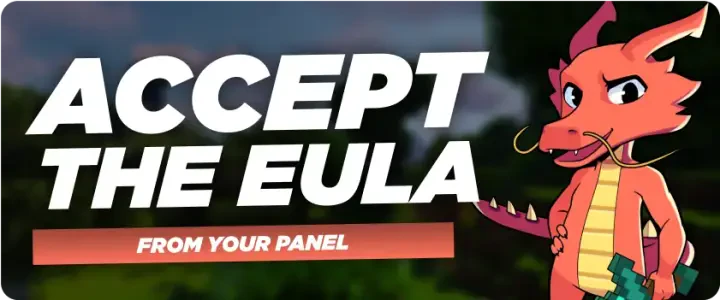
In this quick guide, we'll walk you through accepting the Minecraft EULA.
Accepting the EULA is necessary to start your server as it outlines the terms and conditions for using Minecraft.
You can view it here : https://www.minecraft.net/en-us/eula
To accept it, access your server files via SFTP or use the WebSFTP tab in your panel.
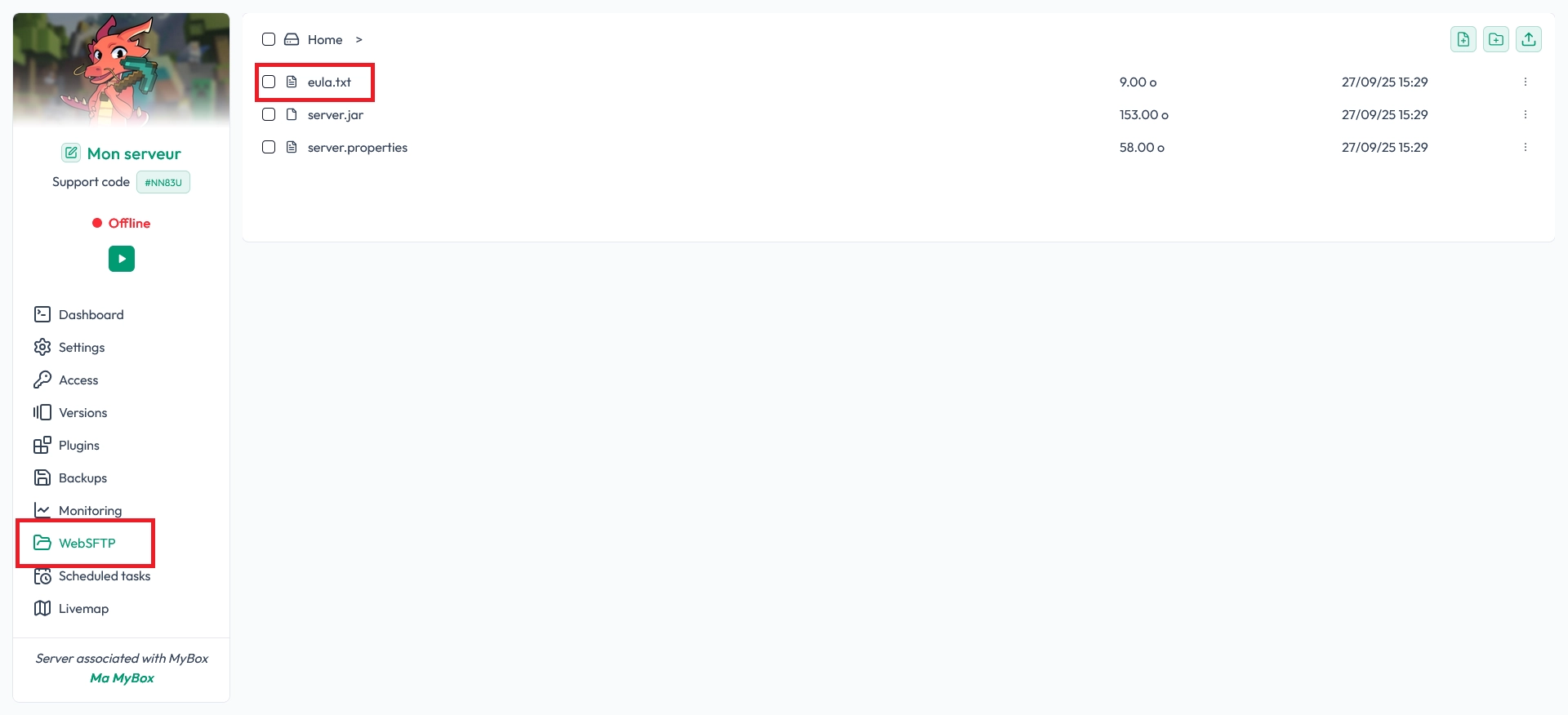
Next, open the file named eula.txt and change eula=false to eula=true

Save your changes, and your server will be ready to start.
That's it! You've accepted the EULA.
Enjoy your game!

 27 September 2025
  Enjoy 10% off your first month of server with MineStrator using the code ACTU10!